Set up Mission Database
The Mission Database is a PostgreSQL relational database that brings all your data together. To set it up, follow the instructions below.
Create the database
Open PgAdmin and input the password specified when installing PostgreSQL.
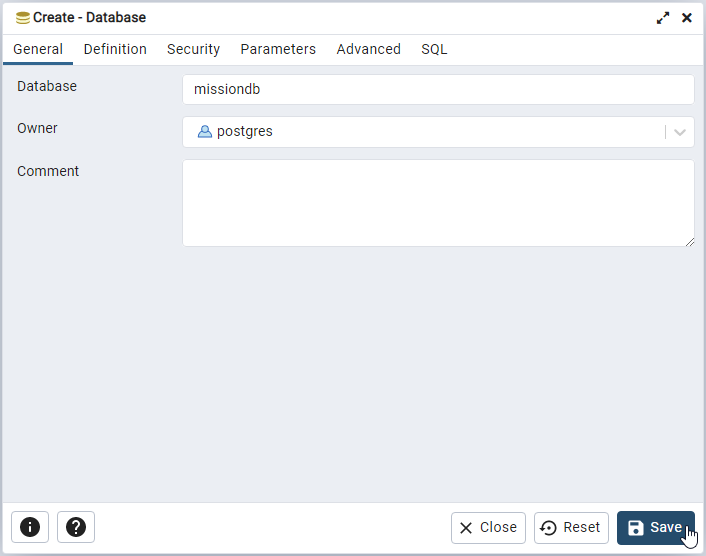
In the top menu, select Object > Create > Database. Input the name for your Mission Database, we suggest missiondb. The default settings should work for most users. Click Save.
Add extensions
Extensions provide additional functionality for PostgreSQL databases.
With the missiondb selected in the Browser tree, open the Query Tool (Tools > Query Tool or Alt+Shift+Q). Paste the following SQL code into the Query window.
Execute the command (F5). You should see a message print out in the Messages window that the query returned successfully.